Meeting Spaces
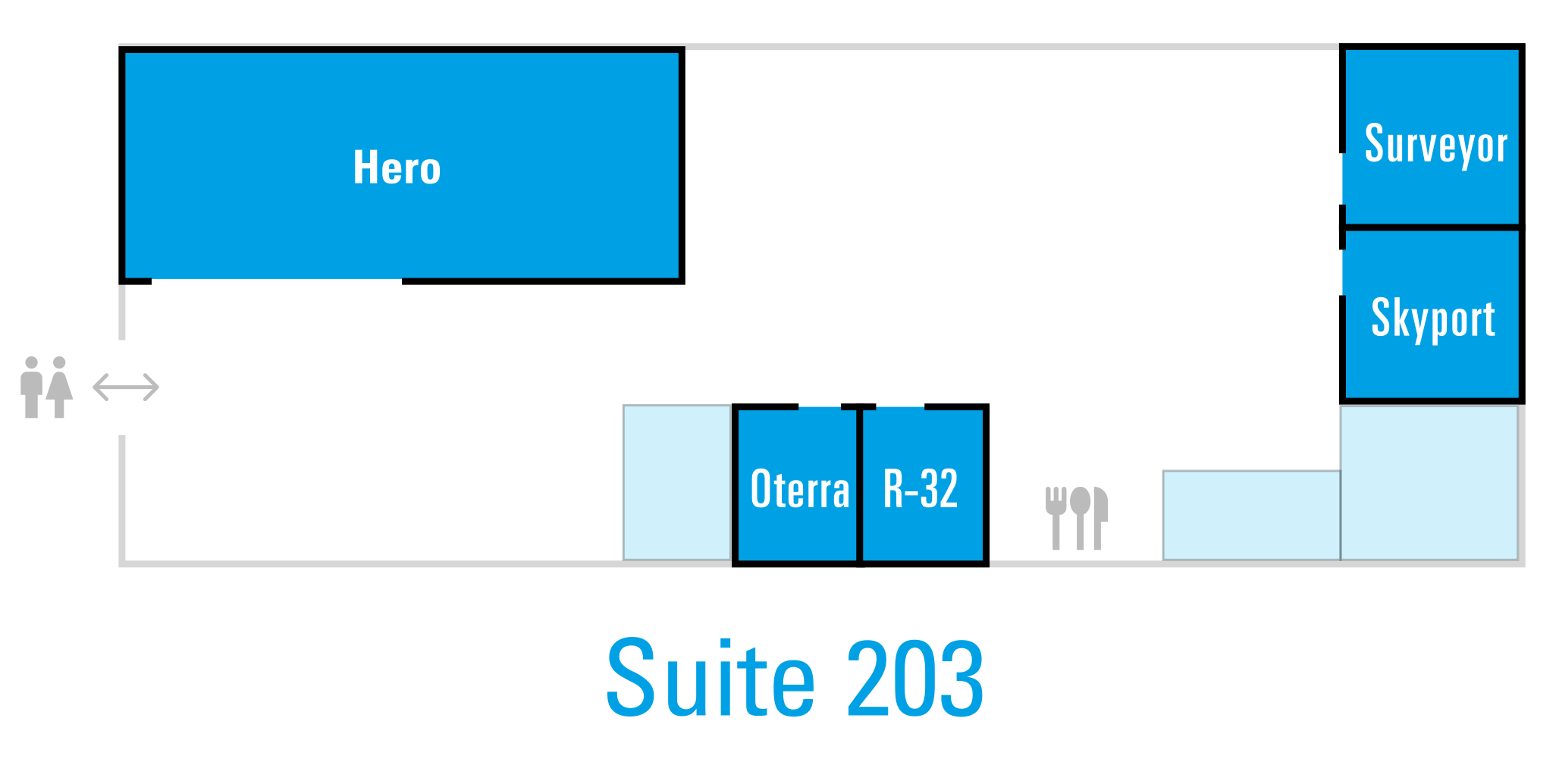
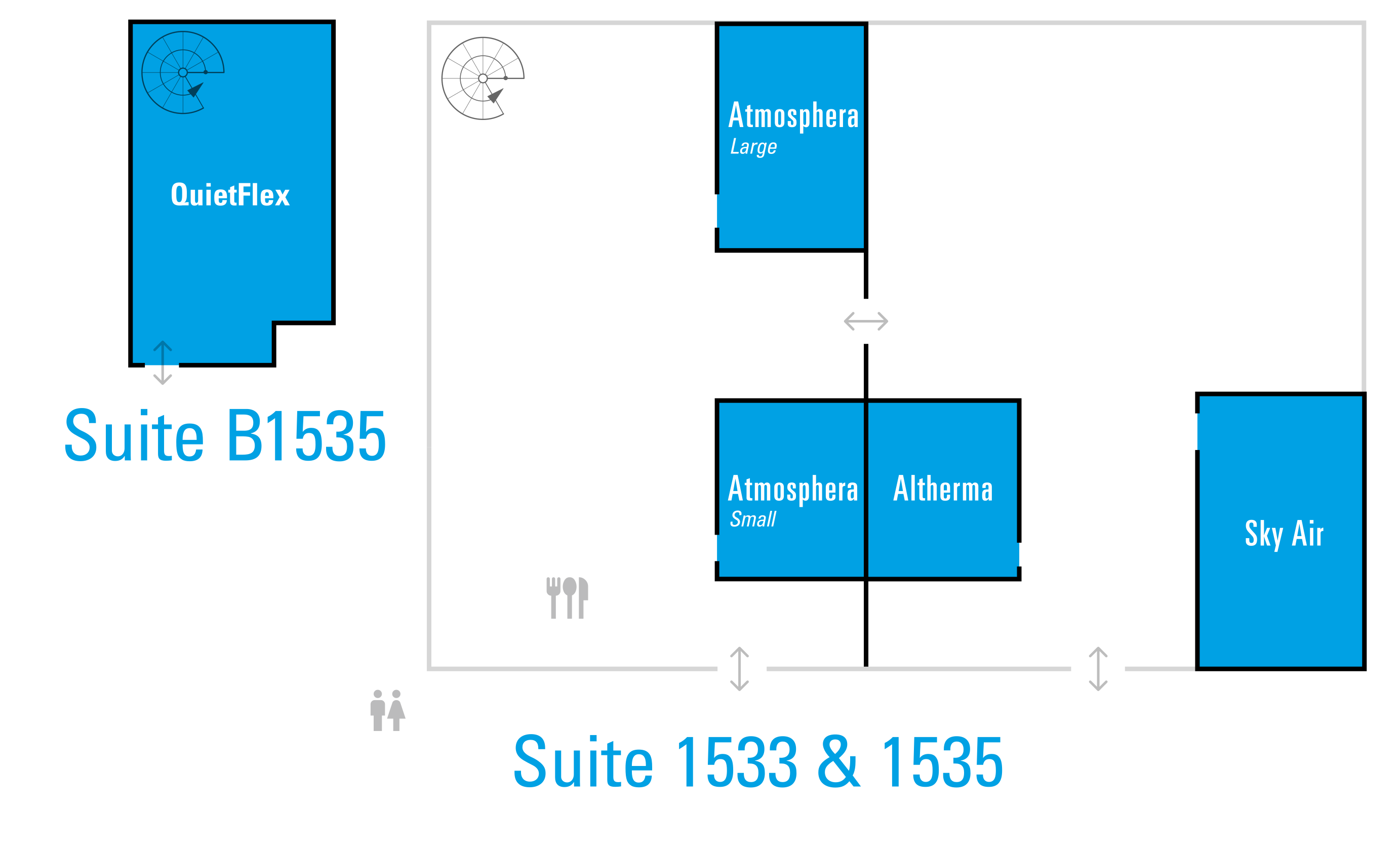
Wifi
Rules
1. Meeting Room Protocol: Intentional Booking
- Book It to Use It: All conference rooms must be booked through Outlook. This is non-negotiable for visibility and preventing double-bookings.
- Capacity Matters: Please use rooms that align with your group size. Conference rooms are designed for collaboration and are not for single-person use. We have designated quiet zones and smaller focus rooms for individual work.
- Priority is Paramount: Customer-facing meetings take priority over internal team gatherings. If a room you’ve booked is needed for an urgent customer meeting, we ask that you gracefully pivot to another space. This is how we put our best foot forward for the people who fuel our business.
2. Private Office Etiquette: Respectful Boundaries
- Private Spaces Remain Private: Offices are considered private working spaces and should not be used for impromptu calls or meetings without explicit permission.
- Manager Office Use: Do not use the office of a manager who is not in your direct reporting structure. If your direct manager has granted you permission to use their office while they are out, please leave the space exactly as you found it. A small gesture of courtesy goes a long way.
3. Tablet Check-In: Your Scheduling Resource
- Please use the tablets outside the rooms to check and confirm schedules.
- Technical note: If an tablet has reset, the passcode is 1900. Once unlocked, please tap the Meetings365 application to restore the room schedule view.
Thank you for your attention to this. We know we can count on everyone to approach this with the humble leadership and collaborative spirit that defines our culture. When we all honor these agreements, we drive better, more efficient meetings and a more productive environment for everyone.